Your intelligence should be yours. No account to create, no telemetry to switch off, and no remote crash reporting. The code is open for you to explore.
The Local AI Operating System For Models, Tools, & You.
harnessUI brings local models, tools, skills, and MCP into one desktop workspace. Run AI on your own hardware, with the freedom to make it yours.

Local AI
We Built It
needed a home.
















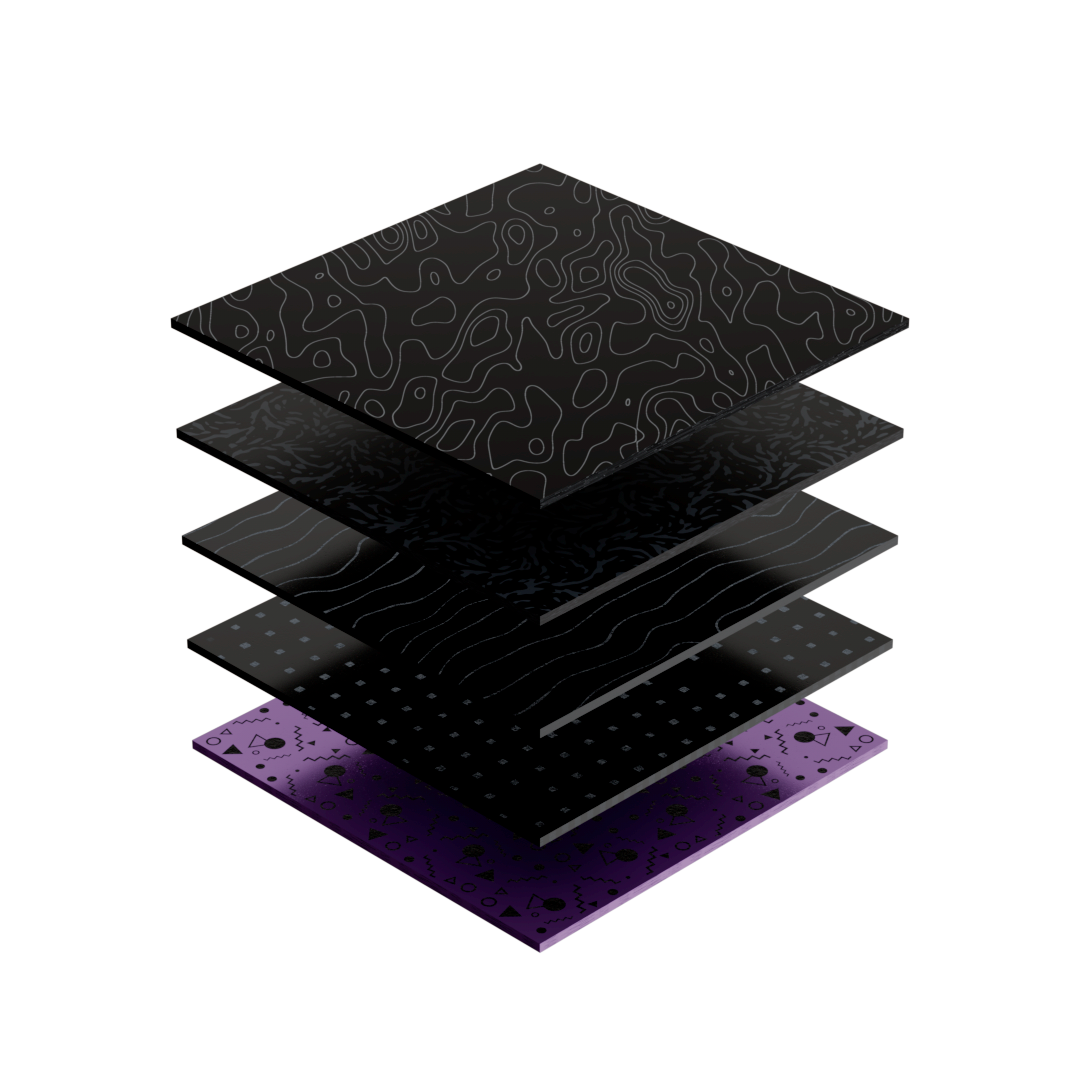
Intelligence Layer
Your models. Your context. One workspace on your computer.
harnessUI gives local models a home. Find a GGUF model that fits your hardware, import one you already have, or connect an OpenAI-compatible endpoint.
Keep conversations, settings, and context together on your machine. Switch models for each chat, bring in documents, and pick up where you left off.

Capability Layer
A local assistant with the tools to turn ideas into action.
Go beyond replies. Give your assistant approved files, terminal and git tools, MCP connections, reusable skills, and a browser when the task needs one.
Follow the work through tool cards and a local audit log. Preview generated pages and documents beside your chat, and stay in control of what happens next.

Your Control Layer
A little less cloud. A lot more ownership. Your AI, on your terms.
At a glance
- 0 accounts required to get started
- 100% on-device inference with a local model
- MIT free and open-source license
The Workspace
One home for the way you work with AI.
harnessUI connects conversation with capability. Work with local models. Bring in your files. Connect your tools. Build reusable skills. Go from a question to something you can use.
Chat
Think out loud with a local model. Stream replies, edit and resend messages, revisit your history, and bring images or documents into the conversation with supported models. Your chats stay on this computer.
Files
Put your project in context. Approve a folder, then ask your assistant to read, search, or edit files. Use terminal and git tools when you choose, and review actions before they run.
Connect
Connect an MCP server to bring your own tools into the workspace. Import compatible configurations, keep secrets in the system keychain, and enable only the capabilities your task needs.
Skills
Bring your know-how along. Import skill folders or ZIPs, create and edit skills, and give your model reusable instructions for the workflows you come back to.
Browse
Give your assistant a little reach. Search the web, open cited sources, use a separate agent browser, or enable computer use with a vision-capable model. You choose when to go online.
Powerful AI belongs on your computer. harnessUI puts it in your hands.
Built around you
GGUF
bring your local models
MCP
connect your own tools
SKILLS
reuse the way you work

Your AI Workspace On Your Own Terms.
Benefits
0
accounts required
2 OS
Windows and macOS
MIT
free and open source

Start with your machine.
Install harnessUI on Windows 10 or 11 (x64), or macOS 13.3 and later. Open the app and get started without creating an account.

Your model, your choice.
Search for GGUF models, see what fits your hardware, or import a file you already have. You can also connect Ollama, LM Studio, vLLM, and compatible endpoints.

Tools that fit your workflow.
Choose approved folders, connect MCP servers, and import skills. Switch on the tools you want, with approvals and a local audit log built into the workflow.

Room for your next idea.
Chat, explore a project, preview an artifact, or work through a task. Once your model is downloaded, local chat works offline. Network tools stay your choice.
Your AI used to live somewhere else.
Now it can live with you.
Local model Remote API
NO
Can work offline
Network
needed to send requests
Remote
inference runs on a server
YES
Can work offline
On-device
run a downloaded local model
Your disk
chats, settings, and audit log
Local by default, connected by choice, and ready for the tools you already use.
Built for the way you want to work.
Connections
Your models and tools, in one place.
Run local GGUF models through llama.cpp, connect OpenAI-compatible endpoints, and bring MCP servers and skills into your workspace. Choose the setup that works for you.
Permissions
Capable, with you in control.
Approve folders and tool actions, choose access modes, and review the local audit log. Chats and settings stay on disk. Read the security model before enabling broader permissions.
Your Models, Your Rules.

Start with a model you already have, or find one that fits your machine. Choose the intelligence that works for you, and change it whenever you want.
Give your assistant the files, tools, and context it needs. Approve the actions you choose, follow the work, and keep a local record of what happened.
Read the code, suggest a feature, report a bug, or make a version of your own. A workspace that belongs to you should be open for you to shape.

Your AI, On Your Terms.
Run locally. Think freely. Make room for an assistant that works your way.
FAQs
A little more context about local AI, the app, and getting started.
What is harnessUI?
harnessUI is a local-first desktop app for AI chat, local models, tools, skills, and MCP. Run a model on your own hardware or connect a compatible endpoint, then use it to think, create, and work with your files.
Do I need an account or subscription?
No account is required. harnessUI is free and open source under the MIT license. Running a downloaded model locally does not require an API subscription. External services you choose to connect may have their own costs.
Does harnessUI work offline?
Yes. Local chat works offline once you have downloaded a model. Downloads, web search, browsing, and remote endpoints need a network connection. You choose when to use those capabilities.
Which computers can run it?
Windows 10 or 11, 64-bit (x64), and macOS 13.3 or later on Apple silicon or Intel. Windows includes Vulkan and CPU backends; macOS includes Metal and CPU support. Performance depends on the model and your hardware.
Can I use models I already have?
Yes. Import a GGUF file, download a model through the model manager, or connect an OpenAI-compatible endpoint such as Ollama, LM Studio, or vLLM. You can choose a different model for each conversation.
What can the assistant access?
You choose the folders and tool groups available to a chat. The default approval flow asks before actions run, and tool calls appear in a local audit log. Broader access modes are opt-in. Read SECURITY.md in the repository before changing those permissions.
Can I connect my own tools?
Yes. Add MCP servers using compatible configurations, import skills, and enable the capabilities your task needs. Secrets for connected services are kept in the system keychain. Imported tools and skills start turned off.
Is harnessUI ready for everyday use?
harnessUI is in active development. Versions 0.0.x are early test builds, so expect rough edges. Read the repository README and changelog for current build details, and report issues on GitHub.